Getting Started
Get started with Chirpy basics in this comprehensive overview. You will learn how to install, configure, and use your first Chirpy-based website, as well as deploy it to a web server.
Get started with Chirpy basics in this comprehensive overview. You will learn how to install, configure, and use your first Chirpy-based website, as well as deploy it to a web server.
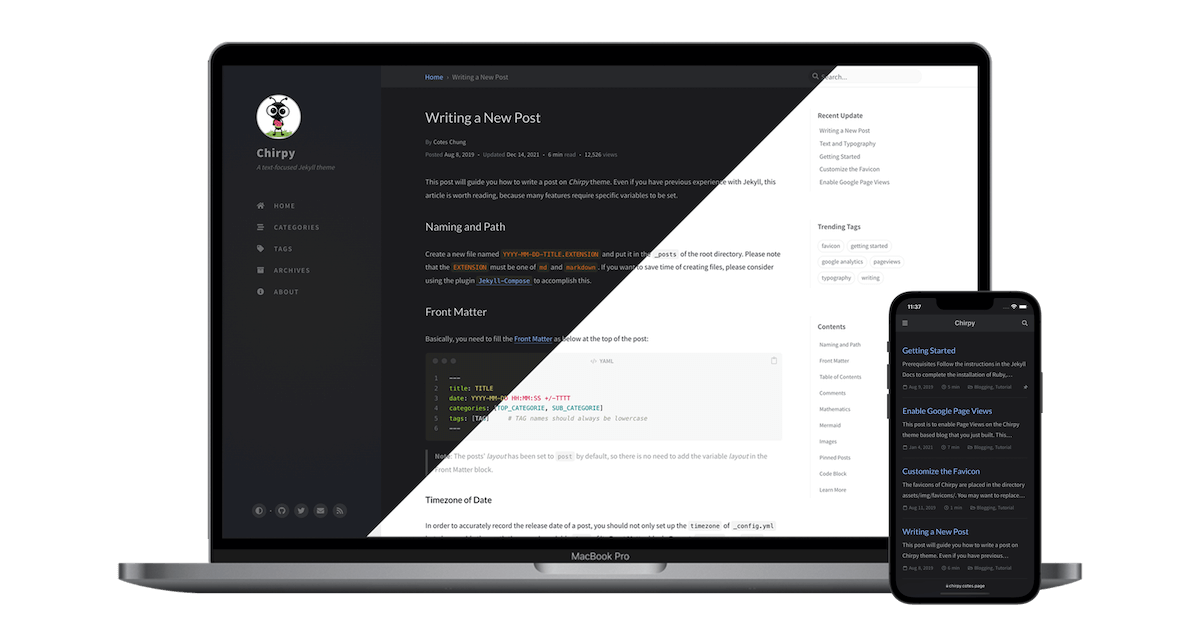
Examples of text, typography, math equations, diagrams, flowcharts, pictures, videos, and more.

Introducción a la Asignatura de Programación Avanzada La asignatura Programación Avanzada es esencial para aquellos que desean profundizar en el desarrollo de software y adquirir habilidades técni...

Seguridad y Alta Disponibilidad (SAD) La asignatura Seguridad y Alta Disponibilidad (SAD) es clave para quienes desean trabajar en entornos de redes y sistemas donde la seguridad y la fiabilidad s...

Recorrido de Las Palmas en la Liga Española La Unión Deportiva Las Palmas es un club de fútbol español con sede en Las Palmas de Gran Canaria. A lo largo de su historia, ha tenido un recorrido not...
The favicons of Chirpy are placed in the directory assets/img/favicons/. You may want to replace them with your own. The following sections will guide you to create and replace the default favicons...
This tutorial will guide you how to write a post in the Chirpy template, and it’s worth reading even if you’ve used Jekyll before, as many features require specific variables to be set. Naming and...